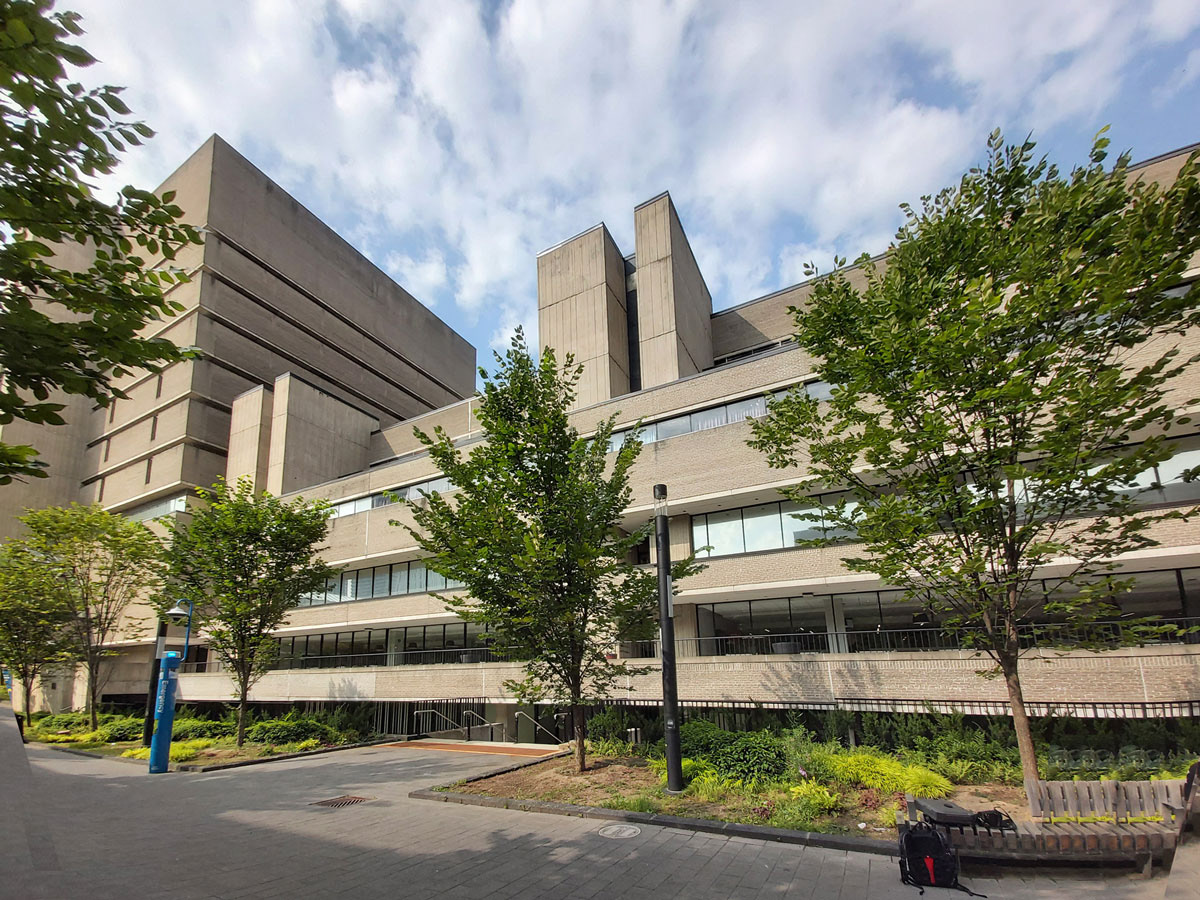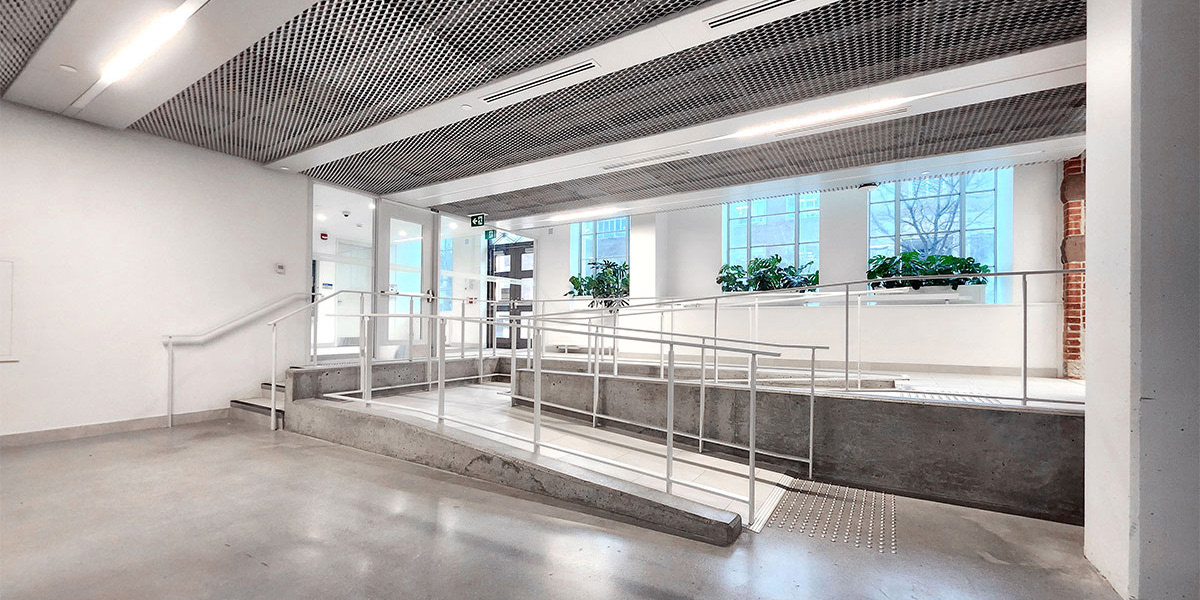
I spearheaded an initiative to create a web site devoted to providing all students, faculty, staff and visitors with information on how to find the accessible infrastructure and inclusive amenties they need.
"Barrier-free" means different things to different people depending on individual needs. The project identified all single-occupancy and all-gender washrooms available from main corridors or common areas. Then the web page content provided their location information and descriptions of the accessibiilty features and fixtures for each of the 72 entrances, 75 water fillings stations and 378 washrooms.
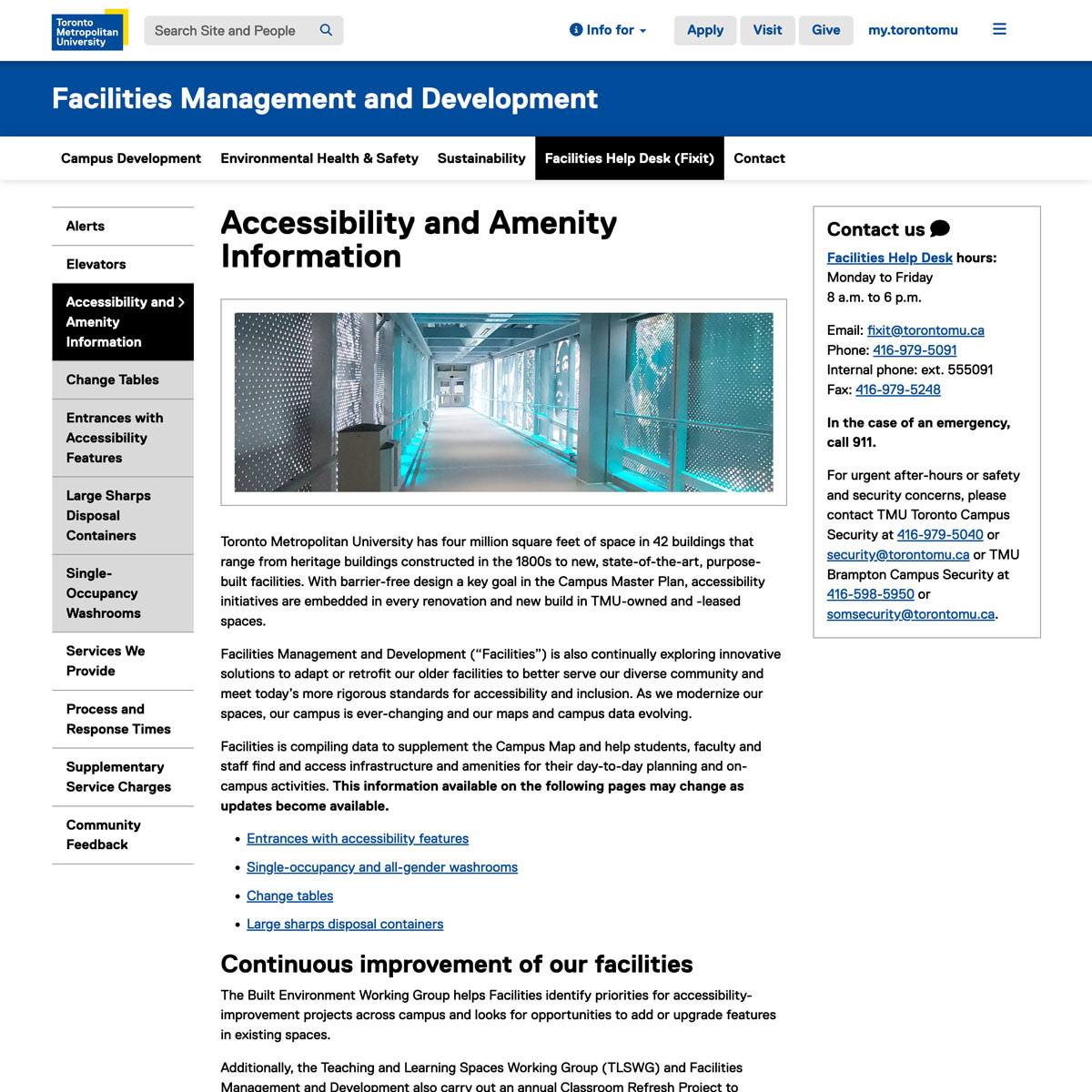
Screen capture of the primary "Accessibility and Amenity Information" web site.
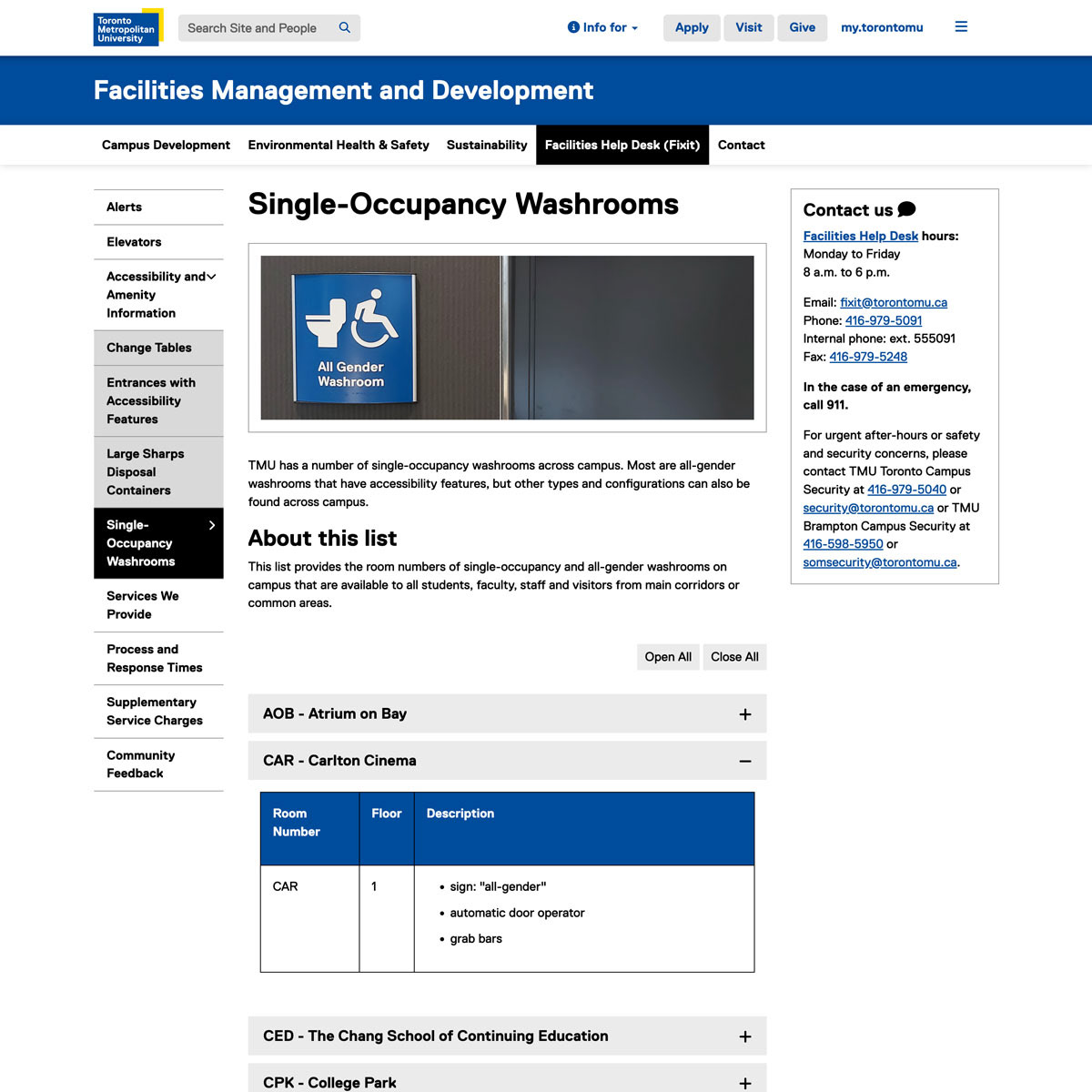
Screen capture of the "Single-Occupancy Washrooms" web page that shows tables where over 140 washrooms are listed with descriptions of the fixtures and features.
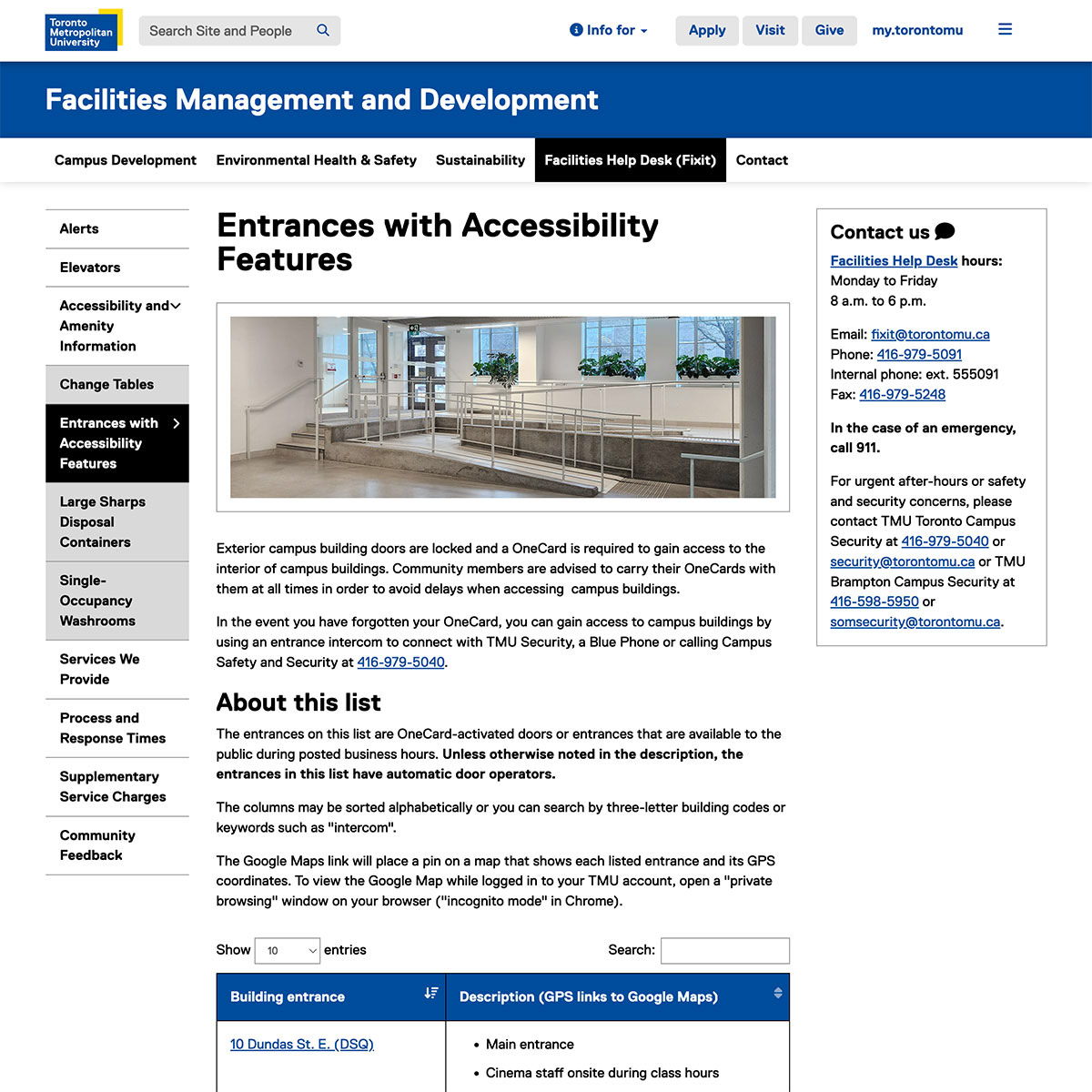
Screen capture of the "Entrances with Accessibility Features" web page which has a table of over 70 entrances and descriptions of assistive devices and infrastructure.
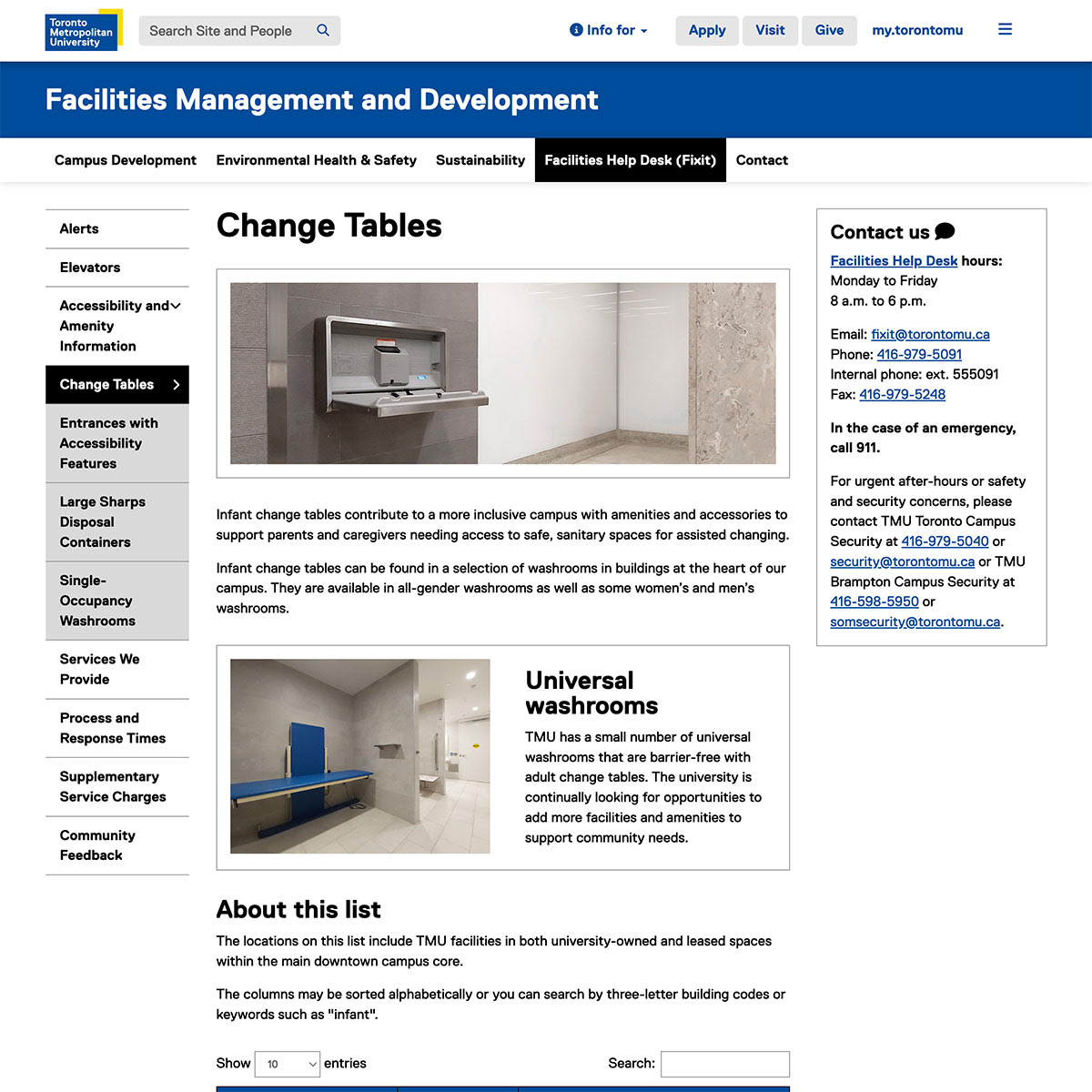
Screen capture of the "Change Tables" web page that lists all the infant change tables and adult change tables that are found throughout the entire institution.
I then informally collaborated with a small multidisciplinary group on a mapping project to overhaul the institution's online map. It required writing all-new building descriptions based on accesible wayfinding, so stakeholders could use the map without visual information. I collected and drafted the information for a new accessibilitiy information tab to provide a high-level description of accessible amenities, directions to the elevators. I also provided fresh photography for each building, including satellite facilities.
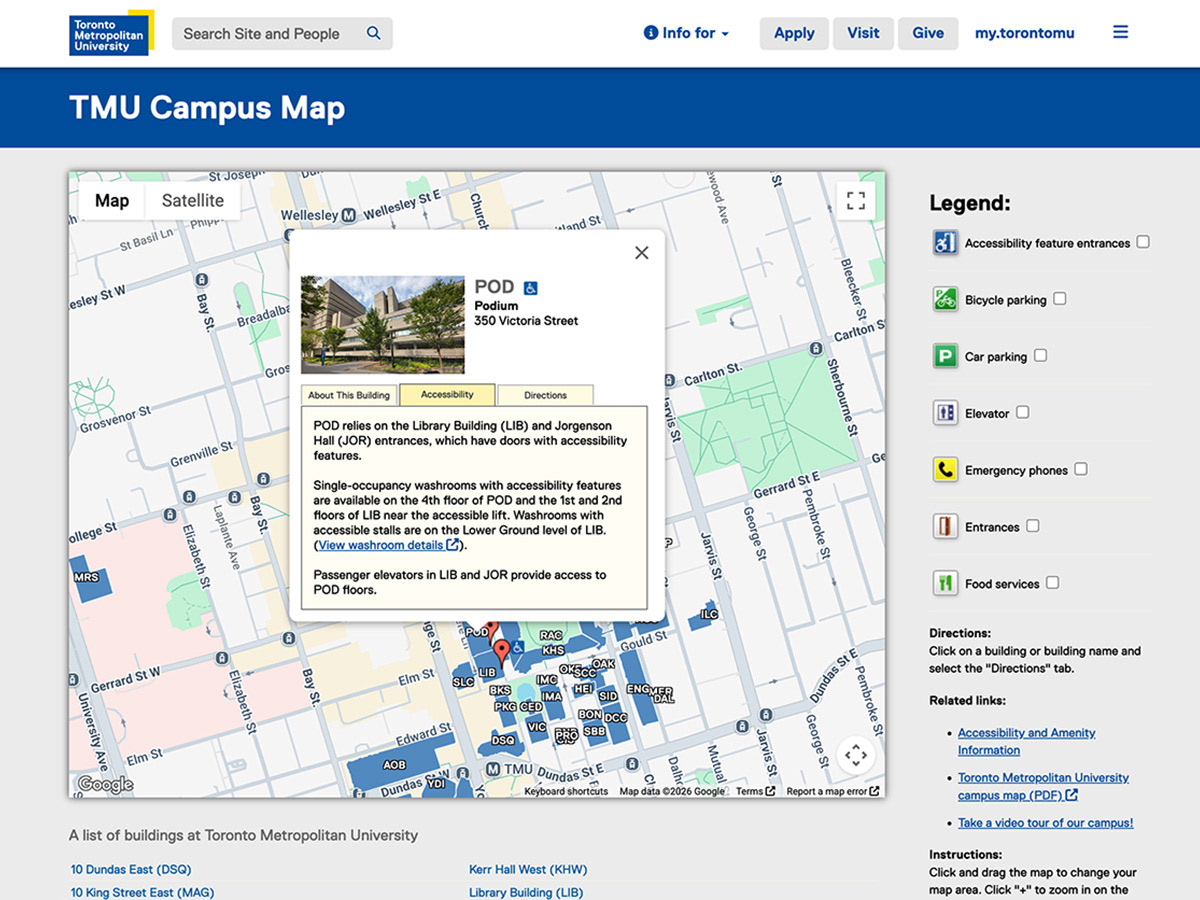
Screen capture of the TMU digital map that shows the pop-up window where building information is presented that also includes a tab for accessibility information.